The SaaS Ads Studio is the best overall Google Ads software for SaaS founders, offering clear visibility into performance and a stronger connection between ad spend, sign-ups, and subscription revenue.
There is no shortage of Google Ads software on the market, but very little of it has been built with SaaS companies in mind. In reality, most SaaS founders end up choosing from general-purpose PPC tools and adapting them to fit a subscription-based business model.
That is not necessarily a bad thing. Many widely used Google Ads platforms can work well for SaaS, as long as you understand their limitations and how to apply them correctly. The challenge is knowing which tools are flexible enough to support SaaS goals like trial sign-ups, demos, and recurring revenue, rather than just one-off conversions.
This guide looks at Google Ads software from a SaaS first perspective. It includes tools that were purpose-built for SaaS, as well as established platforms that SaaS teams commonly rely on. Each option is evaluated based on how useful it is for SaaS founders, whether that means launching campaigns, managing spend, improving performance, or understanding how ads contribute to growth.
This list highlights the best Google Ads software for SaaS founders in 2026. Some are simple and founder-friendly, others are more advanced and suited to growing teams. The goal is not to find perfect software, but to help you choose tools that can realistically support SaaS advertising without unnecessary complexity.
TL;DR: Best Google Ads Software at a Glance
- The SaaS Ads Studio: best for B2B SaaS founders who want guided software to launch and optimise Google Ads with clear tracking and consistent subscription growth
- Google Ads Editor: best for advertisers who need free bulk editing capabilities and offline account management
- Optmyzr: best for agencies and experienced PPC managers who need advanced automation across multiple accounts
- Semrush PPC Toolkit: best for marketers who already use Semrush for SEO and want basic PPC research features
1. The SaaS Ads Studio
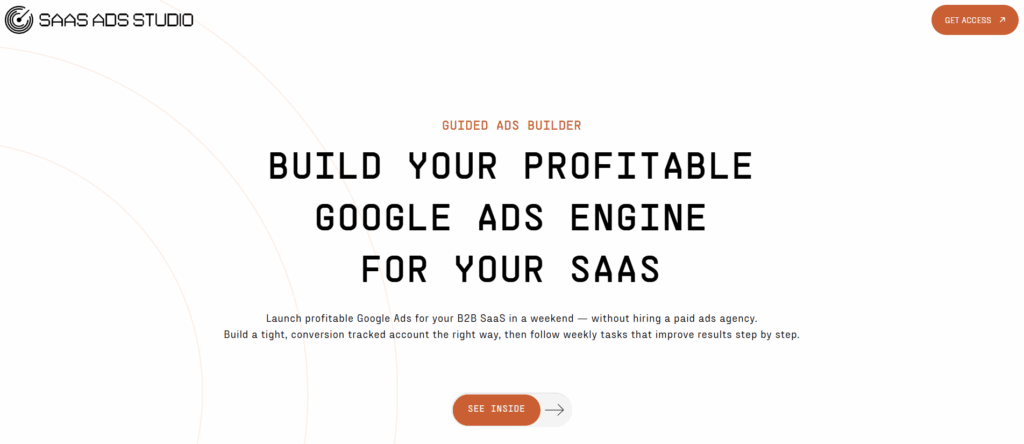
The SaaS Ads Studio is a guided Google Ads platform built specifically for B2B SaaS founders who want to launch and manage profitable paid campaigns without hiring an agency. Created by the team at Snowball Creations, who have managed over £2.5M in ad spend for SaaS brands, the Studio combines step-by-step video guidance with AI-powered tools that personalise every output to your specific product.
Unlike generic PPC software that assumes you already know what you are doing, The SaaS Ads Studio walks you through building a complete, conversion-tracked Google Ads account in a single weekend. The platform is structured into two phases: Launch (to build it right from day one) and Manage (to compound your performance with weekly optimisation tasks).
What makes The SaaS Ads Studio stand out is its emphasis on understanding what paid campaigns are actually contributing to your business. The Brand DNA feature analyses your website, product, audience, and positioning to generate high-intent keyword clusters, RSA copy, and image assets that are tailored to your specific SaaS offering. Every Monday, you receive a small set of proven optimisation tasks designed to be completed in minutes.
The SaaS Ads Studio is particularly well-suited to SaaS founders with moderate budgets who are not quite ready for full agency support but want the exact playbook that has been proven on 100+ SaaS brands.
Why it is a good choice
- Built specifically for B2B SaaS, not generic ecommerce or agencies
- Combines guidance with AI powered tools that do the heavy lifting
- Created by an agency team with £2.5M+ in SaaS ad spend experience
- Weekly optimisation tasks keep you improving without overwhelm
- Pricing from £99/month with direct WhatsApp support on higher tiers
2. Google Ads Editor
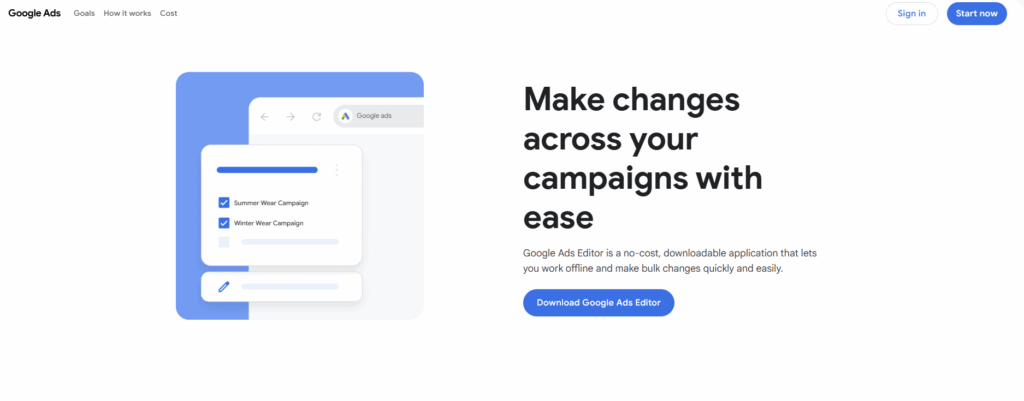
Google Ads Editor is a free, downloadable application from Google for managing your Google Ads campaigns offline. The software allows you to make bulk changes across campaigns, ad groups, keywords, and ads without being connected to the internet, then sync those changes when you are ready.
The editor is useful for advertisers who need to make large-scale changes quickly, such as updating hundreds of keywords or adjusting bids across multiple campaigns. It also keeps a version history so you can revert changes if something goes wrong.
That said, Google Ads Editor is essentially a spreadsheet interface for your account. It does not provide any guidance on what changes to make, what is working, or how to improve performance. You need to already know what you are doing to get value from it.
Why it is a good choice
- Completely free from Google
- Powerful bulk editing capabilities
- Works offline for making changes on the go
3. Optmyzr
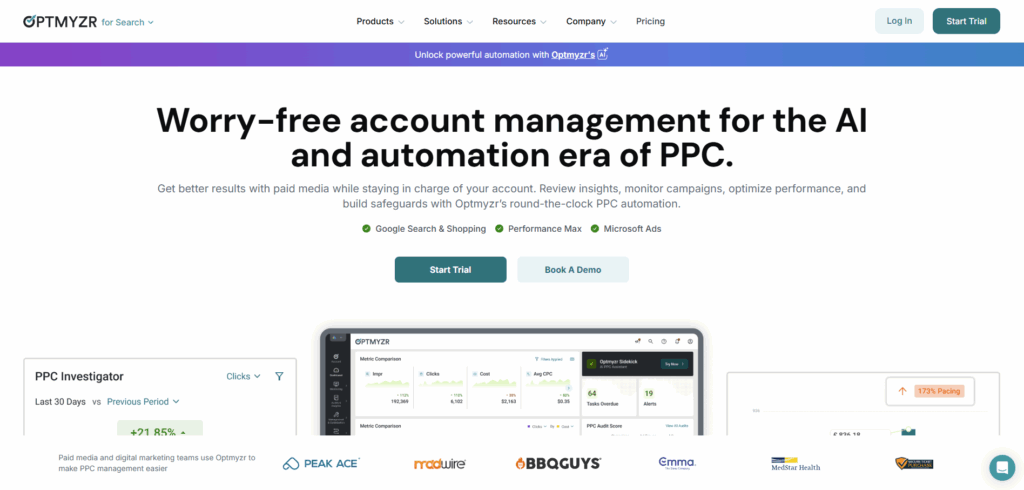
Optmyzr is a PPC management platform designed for agencies and experienced advertisers who manage multiple accounts across Google, Microsoft, Amazon, and Meta. The software offers automation features, rule-based optimisations, and detailed auditing tools.
The platform is powerful and feature-rich, with capabilities like custom scripts, automated bid management, and comprehensive reporting. However, this comes with complexity. Optmyzr has a steep learning curve and assumes you already have significant PPC experience.
Pricing starts at around $249 per month, which makes it a significant investment for a SaaS founder just getting started with paid ads. The tool is really designed for people managing substantial ad spend across multiple clients rather than a single SaaS product.
Why it is a good choice
- Powerful automation and rule-based optimisation
- Works across multiple ad platforms
- Excellent for agencies managing many accounts
4. WordStream
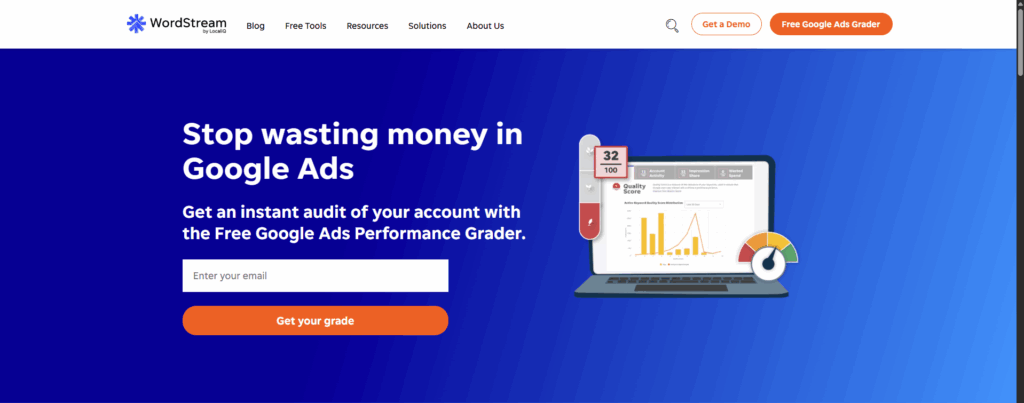
WordStream offers PPC management software with a focus on simplicity and ease of use. The platform includes features like the “20 Minute Work Week” which provides weekly recommendations for improving your campaigns, along with tools for keyword research and performance tracking.
WordStream is best known for its free Google Ads Performance Grader, which gives you a quick assessment of your account health. The paid software builds on this with more detailed recommendations and cross-platform support for Facebook and Bing.
The software is designed primarily for small businesses and beginners, which means it can feel limiting if you have more specific needs. There is no SaaS specific functionality, so you will need to adapt generic recommendations to your subscription business model.
Why it is a good choice
- Simple and beginner-friendly interface
- Free Performance Grader for quick account audits
- Weekly recommendations reduce time spent on optimisation
5. Semrush PPC Toolkit
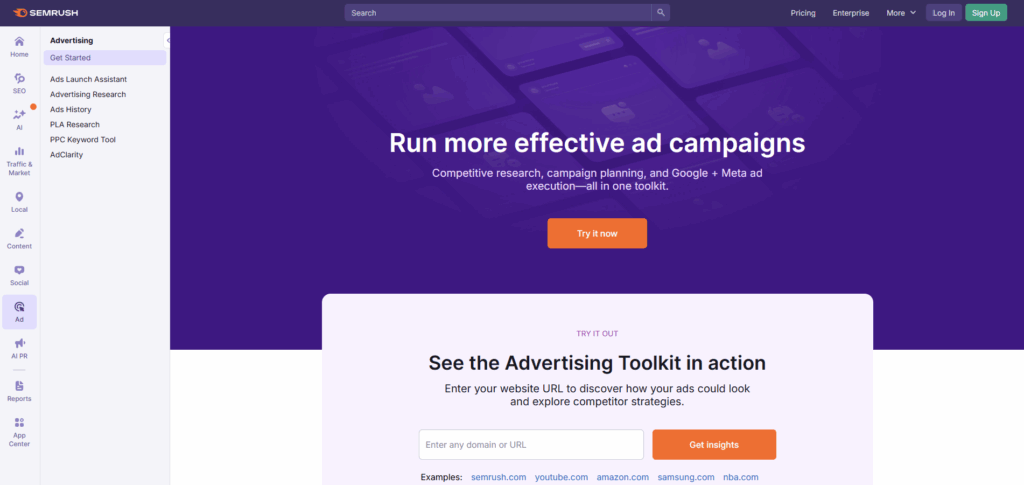
Semrush is primarily known as an SEO platform, but it includes a PPC toolkit with features for keyword research, competitor analysis, and campaign planning. The toolkit lets you see what keywords competitors are bidding on and estimate their ad spend.
The PPC features are useful for research and planning, but Semrush is not really a campaign management tool. You cannot make changes to your Google Ads account directly from Semrush or automate optimisations. It is more about gathering intelligence than actually running campaigns.
If you are already paying for Semrush for SEO purposes, the PPC toolkit is a nice addition. But if you are specifically looking for Google Ads management software, there are better dedicated options available.
Why it is a good choice
- Excellent competitor research and keyword intelligence
- Good for campaign planning and strategy
- Useful if you already have a Semrush subscription
6. Opteo
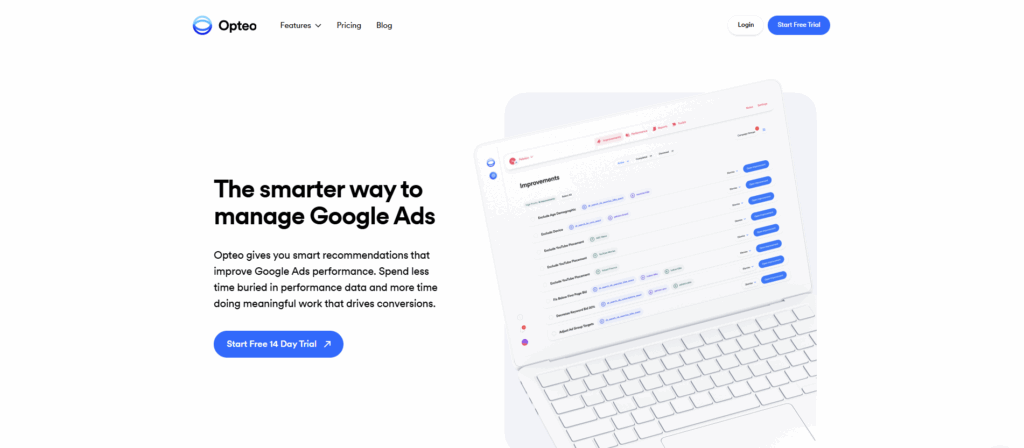
Opteo is a Google Ads optimisation tool that monitors your account and suggests improvements you can push live with a single click. The software focuses on finding statistically significant patterns in your data and recommending changes based on those patterns.
The interface is clean, and the recommendations are generally sensible. Opteo also includes budget monitoring, performance alerts, and reporting features. It integrates with Slack so you can get notifications in your team channels.
However, Opteo is designed as a generic Google Ads tool rather than something tailored for SaaS businesses. The recommendations are based on general PPC best practices rather than subscription-specific metrics like trial conversion rates or customer lifetime value.
Why it is a good choice
- Clean interface with one-click optimisations
- Good budget monitoring and alerts
- Slack integration for team notifications
7. Adalysis
Adalysis is a PPC management platform built for agencies and consultants who manage campaigns on Google and Microsoft Ads. The software includes A/B testing tools, automated alerts, and a customisable checks engine that monitors accounts for issues.
The platform is particularly strong for ad testing, with features that help you compare different ad variations and identify winners based on statistical significance. It also includes quality score tracking and negative keyword management.
Adalysis is priced and designed for agencies rather than individual SaaS founders. The feature set assumes you are managing multiple client accounts and need detailed reporting capabilities. For a single product, it may be more than you actually need.
Why it is a good choice
- Strong A/B testing and ad comparison features
- Automated alerts for account issues
- Good for agencies managing multiple clients
8. TrueClicks
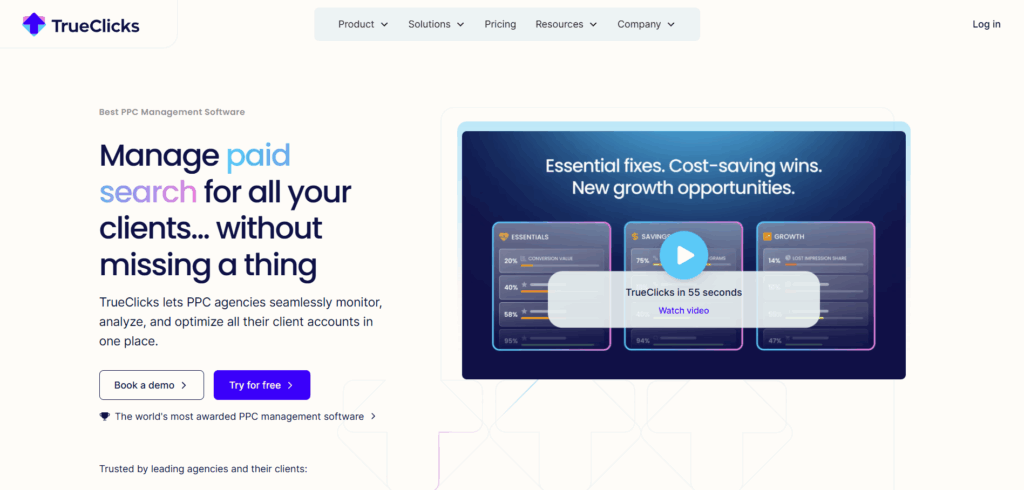
TrueClicks is a cloud-based PPC management tool that helps advertisers create, launch, and manage campaigns from a single dashboard. The platform includes auditing features, budget pacing tools, and automated recommendations for improving performance.
Users have praised TrueClicks for its user-friendly interface and the actionable suggestions it provides. The platform is also noted for being responsive to user feedback and continually updating to align with industry best practices.
That said, TrueClicks is a relatively new tool compared to more established options, which means there are fewer user reviews and shared tips available. Some features are still in development, so you may find gaps depending on your specific needs.
Why it is a good choice
- User-friendly interface
- Good auditing and budget pacing tools
- Actively developed with regular updates
9. AdRoll
AdRoll positions itself as a control center for online advertising, connecting multiple ad networks, including Google Ads to give businesses a centralised view of their marketing efforts. The platform is particularly focused on retargeting and cross-channel campaign management.
The software allows you to launch and manage campaigns across Google, Facebook, Instagram, and other networks from one dashboard. It also includes features for automated budget allocation and cross-channel attribution.
AdRoll is designed more for ecommerce businesses than SaaS companies, with a heavy emphasis on retargeting and display advertising. If your primary focus is Google Search campaigns for driving trial sign-ups, AdRoll may not be the best fit.
Why it is a good choice
- Centralised dashboard for multiple ad networks
- Strong retargeting capabilities
- Cross-channel budget optimisation
10. Acquisio
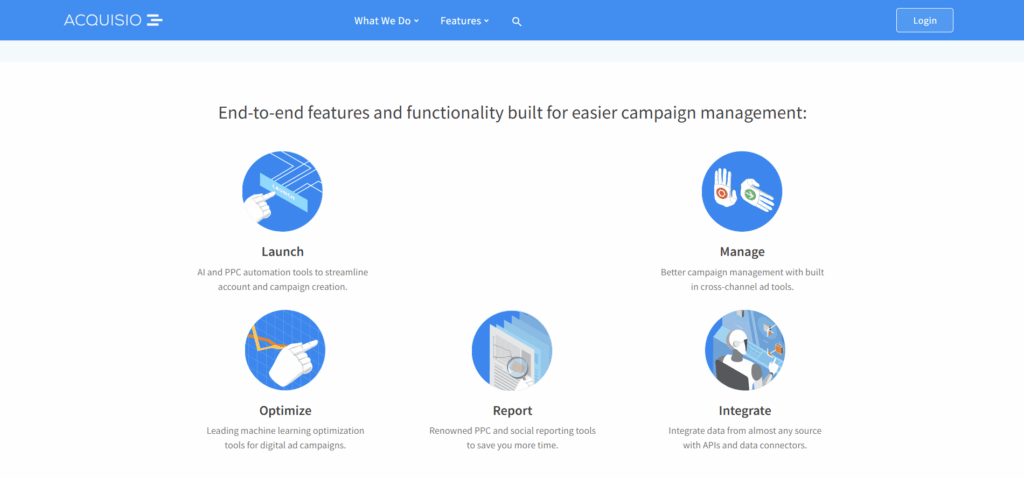
Acquisio is an AI-powered platform designed for agencies and local SEM resellers who need to scale their PPC offerings across Google, Meta, and Microsoft. The software includes machine learning for bid and budget management, along with tools for managing large numbers of accounts.
The platform offers group optimisation, feed audits for shopping campaigns, and automated budget allocation based on factors like seasonality and day of week. It is built to handle complexity at scale.
Pricing starts at $199 per month and scales up from there, making it a significant investment. Acquisio is really designed for agencies with multiple clients rather than individual SaaS founders managing a single product. The feature set may be overkill if you are just getting started.
Why it is a good choice
- Machine learning for bid and budget management
- Built to handle multiple accounts at scale
- Good for agencies and resellers
11. HubSpot Marketing Hub
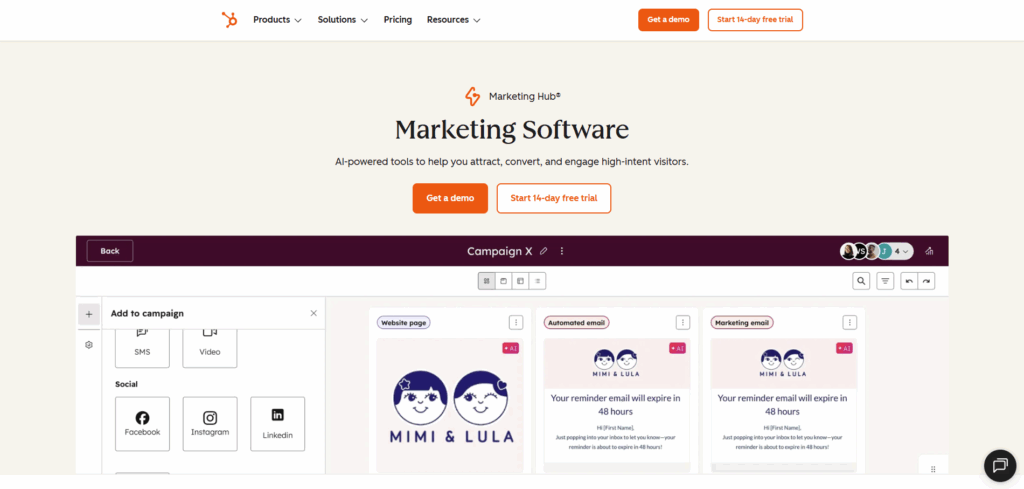
HubSpot Marketing Hub includes Google Ads management features as part of its broader marketing automation platform. The software connects your CRM data to your ad campaigns, allowing you to create audiences based on customer information and track leads from click to close.
The integration with HubSpot CRM is the main selling point, as it lets you see which ads are driving actual revenue rather than just clicks. You can also automate lead follow up and sync audiences between your CRM and ad platforms.
However, HubSpot’s pricing is substantial. The Professional plan starts at $800 per month with a $3,000 onboarding fee, while Enterprise is $3,600 per month with a $7,000 onboarding fee. For most SaaS founders, this is a major investment that may not be justified if you primarily need Google Ads management.
Why it is a good choice
- Deep CRM integration for revenue tracking
- Automated lead follow up from ad clicks
- Good if you are already invested in the HubSpot ecosystem
How to Choose the Right Google Ads Software
The right Google Ads software depends on where your SaaS business is today and what you need from your paid acquisition efforts. Before choosing a platform, it helps to be clear on your experience level, budget, and how closely the software needs to tie back to subscription revenue.
When comparing options, consider the following:
Your experience level
Some tools assume you already know PPC well and just need efficiency gains. Others provide guidance and recommendations to help you learn as you go. Be honest about where you are starting from and choose software that matches your current skill level.
Integration with your stack
Consider how the software will work with your existing tools. Does it integrate with your CRM? Can it pull conversion data from your product? The more connected your systems, the better decisions you can make.
SaaS specific functionality
Most Google Ads software is built for ecommerce or agencies. Look for tools that understand subscription businesses, trial funnels, and long term customer value rather than just optimising for immediate conversions.
Time commitment
Some platforms require significant setup and ongoing management. Others are designed to minimise the time you spend on optimisation. Match the software to how much time you can realistically dedicate to paid ads.
Price relative to ad spend
Enterprise tools can cost hundreds or thousands per month, which may not make sense if your ad budget is relatively modest. Calculate what percentage of your ad spend would go to software and decide if that investment is justified.
Closing Thoughts
Choosing Google Ads software for a SaaS business is ultimately about reducing uncertainty. The right tool should help you spend with more confidence, make fewer assumptions, and understand what is happening after someone clicks your ad.
Many SaaS founders reach a point where spreadsheets, basic dashboards, or generic tools no longer provide enough context to make good decisions. At the same time, jumping straight into complex enterprise platforms can create more friction than clarity. That gap is where software choice becomes especially important.
The software options in this list each bring strengths in different areas. Free tools like Google Ads Editor provide basic functionality at no cost. Enterprise platforms like Optmyzr and HubSpot offer power but at a significant price. Specialised options like The SaaS Ads Studio offer deeper guidance for founders who want to build profitable campaigns themselvs.
Rather than looking for a tool that does everything, it is worth choosing software that fits how you actually work today. Think about how much time you have to manage campaigns, how closely you want to track outcomes, and how important it is to understand performance over weeks and months rather than individual conversions.
This list is intended to help you make a confident, informed choice. With the right software in place, Google Ads becomes easier to manage, easier to evaluate, and far more useful as a growth channel for your SaaS business.
Why Choose The SaaS Ads Studio?
The SaaS Ads Studio is built specifically for SaaS businesses and is designed for founders who want to run Google Ads with a clear understanding of outcomes, without relying on an agency or complex enterprise software. It supports SaaS teams who prefer to stay involved in their acquisition strategy while using a structured system created around subscription based growth.
The platform places tracking and measurement at the centre of every campaign, helping you see how paid ads connect to trials, demos, and paying customers. Rather than setting campaigns live and hoping for results, you build with visibility in place from the beginning, which makes optimisation more intentional and less reactive.
The SaaS Ads Studio also simplifies campaign creation by providing keyword ideas, ad copy, and creative suggestions that are aligned with your product and target users. These recommendations are designed with SaaS buying journeys in mind, helping capture demand from users who are more likely to convert over time.
Ongoing guidance is built into the workflow through regular optimisation prompts and a clear operating structure. This makes it easier to maintain momentum and improve performance without needing constant external support.
For SaaS founders who want a straightforward and reliable way to build and improve Google Ads over time, The SaaS Ads Studio offers a system that prioritises clarity, accountability, and sustainable growth.
Get started for free at saasadsstudio.com and explore the platform. The goal is to help you understand where your ads are falling short and how to turn paid traffic into a more dependable growth channel.